

Do you need help?
We are here for you.
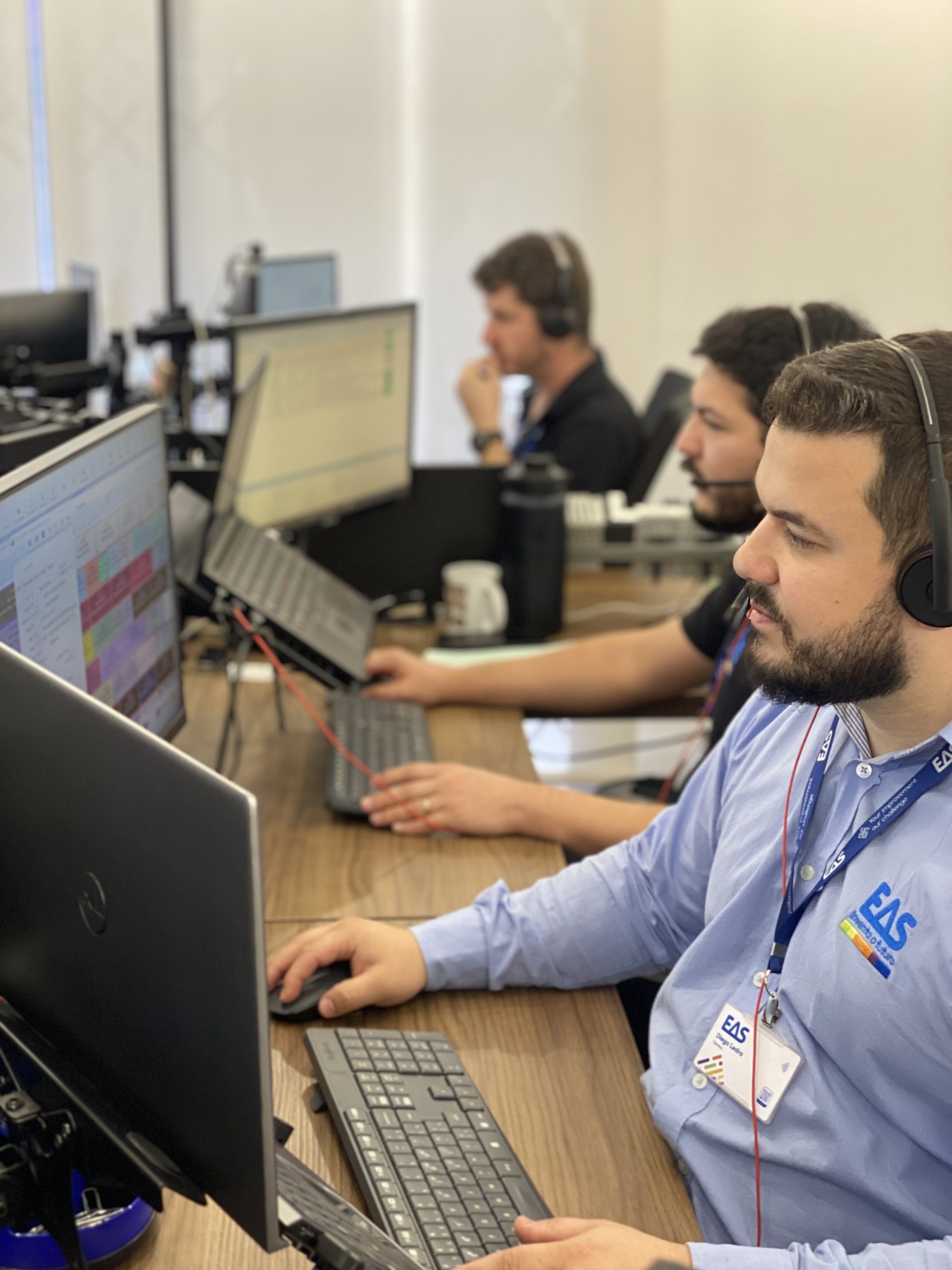
Our technical team helps you resolve incidents, clarify doubts about the operation of our systems and coordinate assistance when you need it.
- Specialized care
- Remote assistance
- Own technical team
 >
>
It allows our team to help you remotely
EAS offers remote technical support through TeamViewer. Select the version corresponding to your computer and download the application.
After opening the application, it provides the EAS technician with the connection details that will appear on the screen.
Windows XP computers
Version intended for computers that still use Windows XP.
Download for Windows XPWindows 7 and higher versions
For computers running Windows 7 or a later version of the system.
Download TeamViewerThree steps to request support
- 01
Describe the incidence
Indicates what is happening, what equipment or solution is affected, and any messages that appear on the screen.
- 02
Submit your application
Complete the form with your details so the team can identify and review your query.
- 03
Receives assistance
Our team will review the information and contact you to continue providing assistance.
Tell us what you need
Provide all possible information about your query. A clear description will help our team better understand the situation.
Affected product, machine or software, error message, screenshots and a brief explanation of the incident.
- Request addressed to the technical team
- Review of the information submitted
- Contact us to continue assistance
Do you have a question before requesting support?
Contact EAS and we will help you find the most suitable option.
